GravityLab: A Rock Climbing App
A rock climbing app to experiment, learn, and defy gravity.
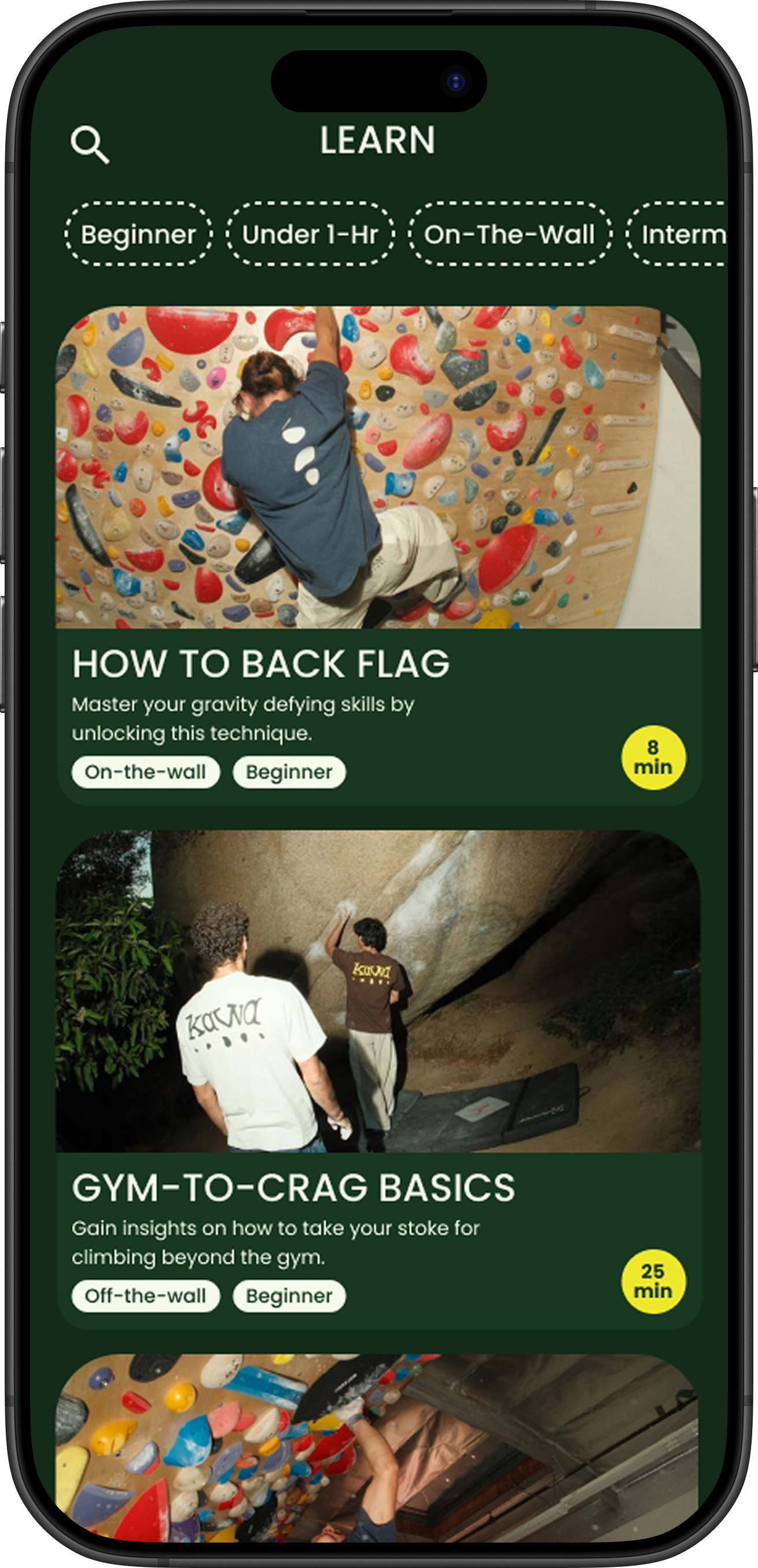
GravityLab is the climber’s way to track progress, log sessions, and learn new climbing skills.



You can always try again.
That’s what I’ve been told about design. It began with the research from my previous project, The Climb Hub website. GravityLab has a slightly different twist–think of this like Taylor’s version. I wanted to use my existing research from an old project, and revamp my ideas into something that felt fresher, more novel, and more like me.
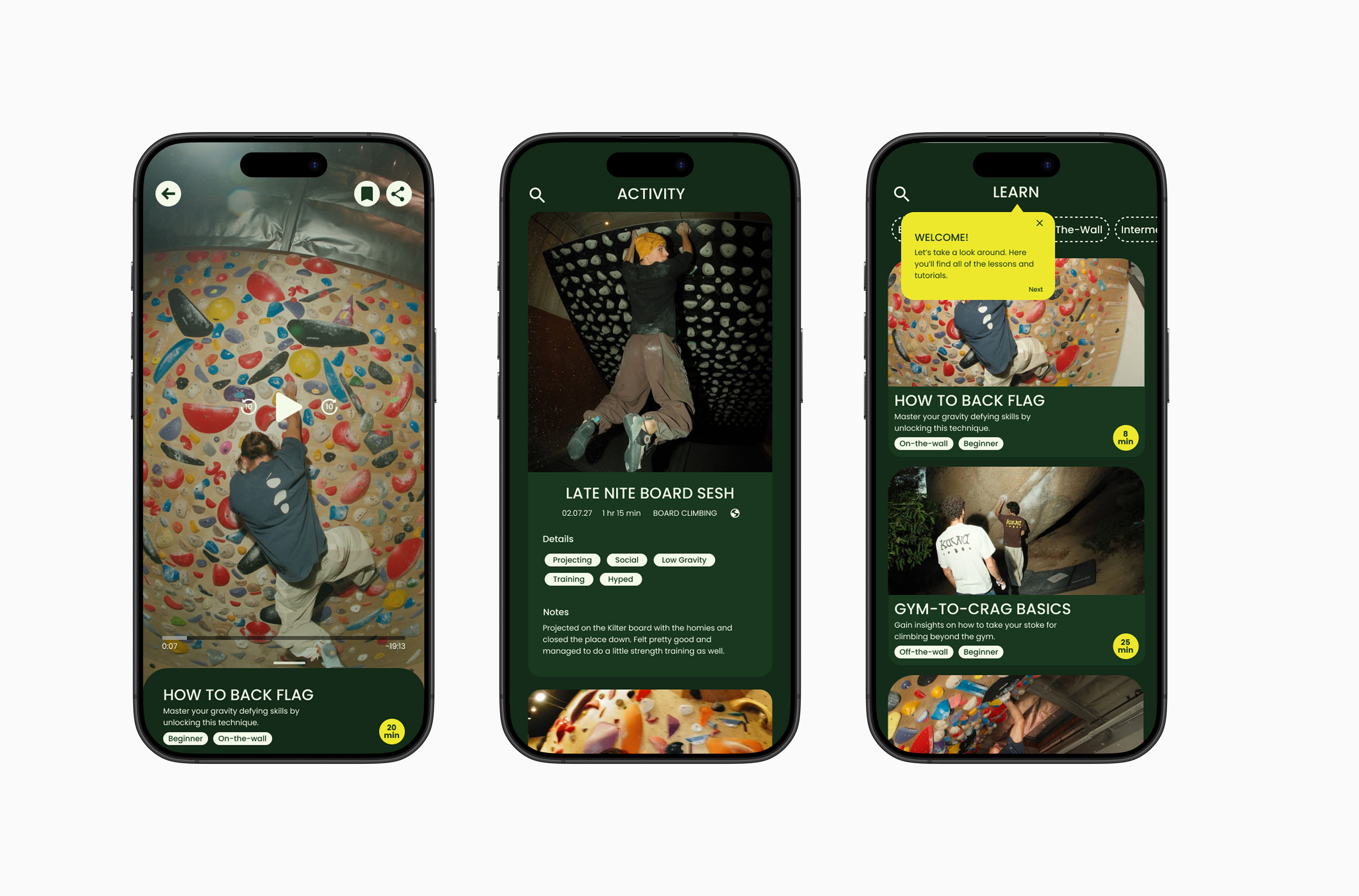
My research showed that many climbers are interested in improving their skills, but often prioritize socialization over fitness when they go to the gym. I found that many fitness apps have a similar look-and-feel. So I asked myself, “If climbers are not like typical gym-goers, why would a climbing app look like all of the other fitness apps?” Instead, I wanted to create something that was inspired by nature, but also evoked…
Playfulness
Belonging
Confidence
Research Insights
-
Many climbers are interested in improving their skills, particularly when they are first starting out. Most expressed feeling intimidated to learn skills when they were beginners.
-
The idea for this project was born from personal experiences and experiences I had heard from other climbers, so it feels as if I’ve been doing the research for a long time, but it was still necessary to complete a full research synthesis. I did a pulse check, competitor analysis, and user interviews to help identify a need and any issues.
-
Climbers prioritize socialization over fitness. They attend the gym as a social activity with fitness being a secondary benefit. Community and socializing is a big part of climbers motivation, and they want their sessions to be fun.
-
First-time climbers may lack the guidance and knowledge prior to or on their initial visit.
-
Climbers have a need for partners to hold them accountable to show up.
Finding a Solution to the ProblemClimbers of all skill levels often face barriers to progression, including limited access to coaching, training resources, and supportive learning environments.
The sport can be intimidating at any level, and without structured guidance, many climbers experience skill plateaus that hinder their growth and enjoyment.
There is a clear need for an accessible, inclusive, and engaging platform that empowers climbers to build confidence, improve technique, and continue progressing—delivered in a format as convenient and dynamic as a mobile app.
Designing the Solution
Now that the solution was defined, we’re able to turn to the design. We didn’t need to reinvent the wheel here–a lot of athletes like to log their workouts to help stay accountable and motivated, so naturally, there’s activity logging. Since climbers of every level desire educational and skill-building tools for climbing, it made sense to include learning modules that cater to different skill-levels and durations. Knowing that climbers spend time in gyms that are converted warehouses with little/no service, it was logical to make sure there was a saved library so the modules can be accessed at any time. These app features are low commitment and fun ways to stay motivated and improve.
-
Ability to save a log that includes the dates, time/ durations, and descriptions to log a climbing session
-
Content in library will include instructional video paired with text. Users will need to be able to pause, rewind, and fast forward, and make full screen
-
Ability to save progress within the dynamic gallery containing interactive climbing skill-related content to review or come back to later
Building a Brand to Fit

This is the original logo I had designed was simple and effective, but wanted it to really evoke the core values:
Connection
Belonging
Confidence
Learning
Motivation
This was the final result, conveying a playful, nostalgic, and laidback vibe.





Finalizing the Prototype
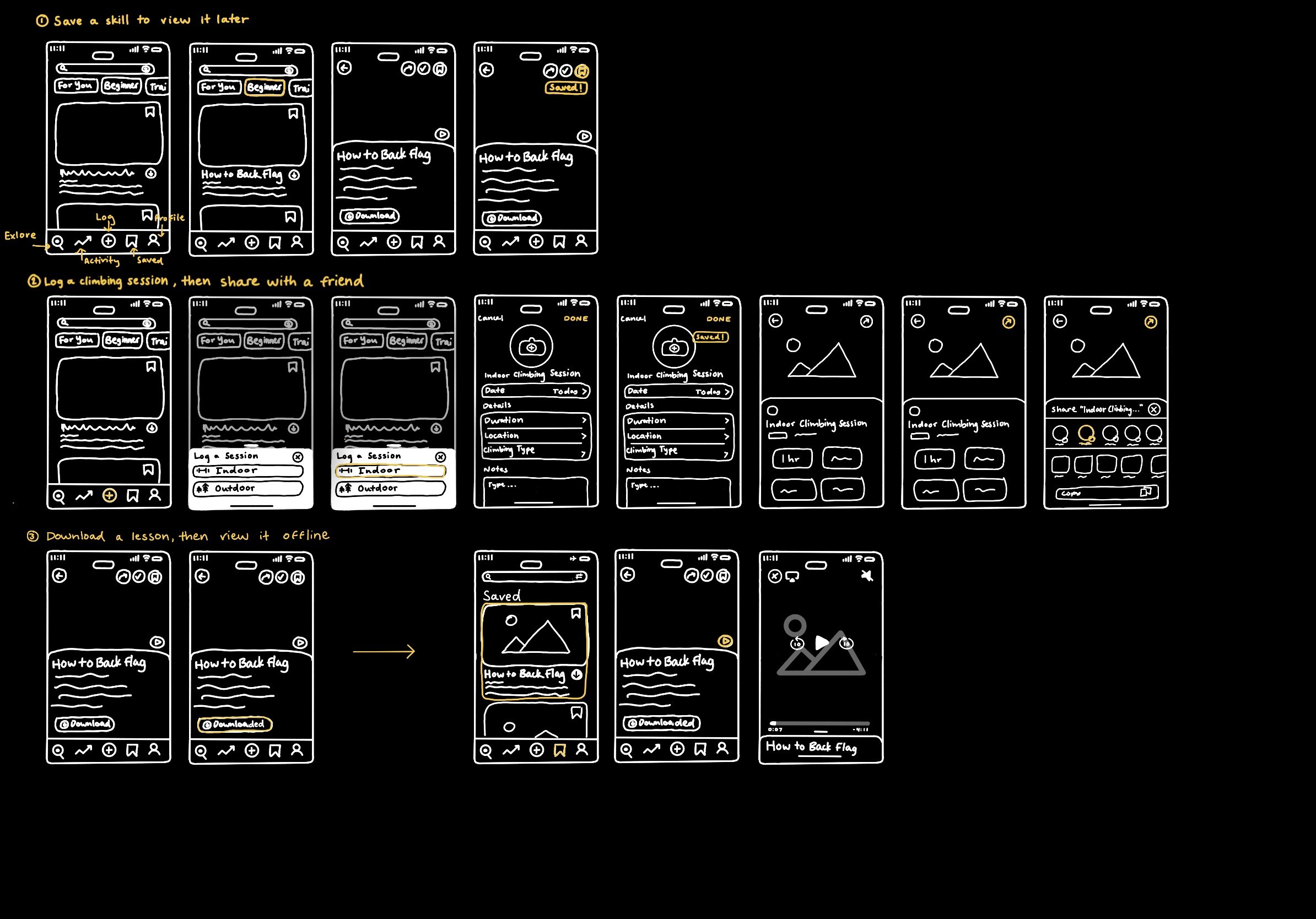
The wireframes were tested in low, mid, and high fidelity to confirm the usability, identify and sticky or missing UI elements, as well as observe user behavior when moving through the flows to ensure effectiveness. The feedback from testing as noted, prioritized, and implemented where necessary. The final prototype can be viewed at the link below.
Task 1
“You just downloaded the app, signed up for an account. Now you can become familiar with its features.”
This onboarding flow is what new users will see once they are logged into an account.
Task 2
“You’re an intermediate climber trying to improve. You use the app to track your progress. How would you go about logging your most recent gym session?”
This task uses the “Log a Session” feature and entails adding information about the session such as the date, duration, feelings, and notes.
Task 3
“You saved a lesson on your lunch break, but now you’re at the gym and want to watch it. Find the saved lesson, and watch it”
The saved feature is useful if users need to reference lessons at a later time or view them offline.
Conclusion